
Rork vs Anything: which one should you use to publish a mobile app?
Published November 1, 2026 · by NapBuild
Contents
Rork and Anything both turn a chat into an app, but they are built for different jobs. Rork writes native code (Swift for iPhone, Kotlin for Android) and is the better pick if the app must feel truly native on a phone. Anything writes one Expo (React Native) codebase for iPhone and Android, plus web pages, a database and payments, and is the better pick if your product is more than a phone app. NapBuild, our own tool, is the third option for people who do not want a credit meter.
Disclosure: we make NapBuild, so we are not neutral. Every Rork and Anything fact below comes from their own documentation, read on November 1, 2026. Prices change, so check the plan page before you pay.
Rork vs Anything at a glance
| Rork | Anything | NapBuild | |
|---|---|---|---|
| Entry paid plan (Nov 1, 2026) | Pro: $20 a month, 100 credits a month | Pro: $19 a month billed yearly ($228 up front), $24 monthly, 20,000 credits | $24.90 a month, $119 a year or $299 once, no credits to buy |
| Plan at $0 | Design only, you cannot build or publish | None for building: a paid plan is required to build | 48-hour trial, no card, then steps 1 to 3 stay open |
| Mobile code | Swift (iPhone) and Kotlin (Android), two codebases | Expo (React Native), one codebase | Your choice: wrapped web (Capacitor), React Native with Expo, or Kotlin and Swift |
| Web app, database | Web apps yes; backend (Rork Cloud) in beta | Web apps, built-in PostgreSQL, auth, backend functions | Browser version of the same app |
| App Store | Built in the cloud, no Mac needed; you finish in App Store Connect | Built and uploaded for you; you finish in App Store Connect | iPhone project, listing and visuals prepared; you submit with your Apple account |
| Google Play | AAB sent to internal testing; you create the listing first | Beta: AAB sent to internal testing as a draft; you create the listing first | Signed build, listing, visuals and data safety form prepared, then submitted if you allow it |
| Code export | GitHub, two-way sync, paid plan | Zip download; GitHub sync not available yet | The code is on your computer |
| Where the AI comes from | Included, in credits | Included, in credits | Your own Claude, ChatGPT, Grok or Gemini subscription |
Pricing and credits
Rork has a plan at $0 for design only. Building starts at Rork Pro, $20 a month for 100 credits. A credit is roughly one request. iOS builds and cloud simulator sessions cost extra credits on top, and the Android emulator costs 0.1 credit a minute while it runs. Rork Max starts at $200 a month for 1,000 credits and adds iPad, Apple Watch, native games and iOS widgets. Its docs do not state a yearly price for Pro. A separate dollar balance, Cloud credits, pays for the AI and server features your finished app uses.
Anything has no plan at $0 for building. Pro is $19 a month if you pay yearly ($228 charged up front) or $24 if you pay monthly, with 20,000 credits. Unused monthly credits expire at the end of the billing cycle. Top-ups of 10,000 credits cost $12 and never expire. The docs give no fixed price per message: it depends on the mode and on how many files a prompt touches. You can ask for a credit refund on a generation that failed. Subscriptions themselves are not refunded. Max, the plan with the strongest agents and a browser agent that tests your app, starts at $199 a month billed yearly ($239 monthly) for 220,000 credits.
Credits are not comparable one to one: a Rork credit and an Anything credit are different units. The honest way to compare is to build the same small app on each and watch the meter.
NapBuild costs $24.90 a month, $119 a year or $299 once, as of November 1, 2026. It does not include AI. You plug in the Claude, ChatGPT (through Codex), Grok or Gemini subscription you already pay for. By the month it costs about what Rork or Anything cost, and the yearly plan works out to $9.92 a month, but your total is not zero if you do not have an AI subscription yet.
Whatever you pick, the store accounts are yours to pay for: $25 once for Google Play and $99 a year for the Apple Developer Program, as both Rork and Anything state. The NapBuild prices and the 48-hour trial are in the pricing section.
What each one builds
Rork builds three kinds of apps in one project: an iPhone app in SwiftUI, an Android app in Kotlin with Jetpack Compose, and a web app with Vite and React. They are separate codebases that share the chat and the backend. Rork used to build Expo (React Native) apps. Its docs say you can no longer create new ones, because its agent wrote better Swift. Old Expo projects keep working. If your app depends on widgets, Live Activities, Apple Watch or motion tracking, native Swift is a real advantage.
Anything builds web apps, websites and mobile apps. For mobile, it says it generates Expo (React Native) code, so one codebase serves iPhone and Android. Each project comes with a PostgreSQL database (through Neon), sign-up and login, backend functions, more than 100 integrations, and Stripe or RevenueCat payments. Its docs do not say whether the mobile apps use that database. Camera, GPS and other phone features only work on a real device, tested through Expo Go.
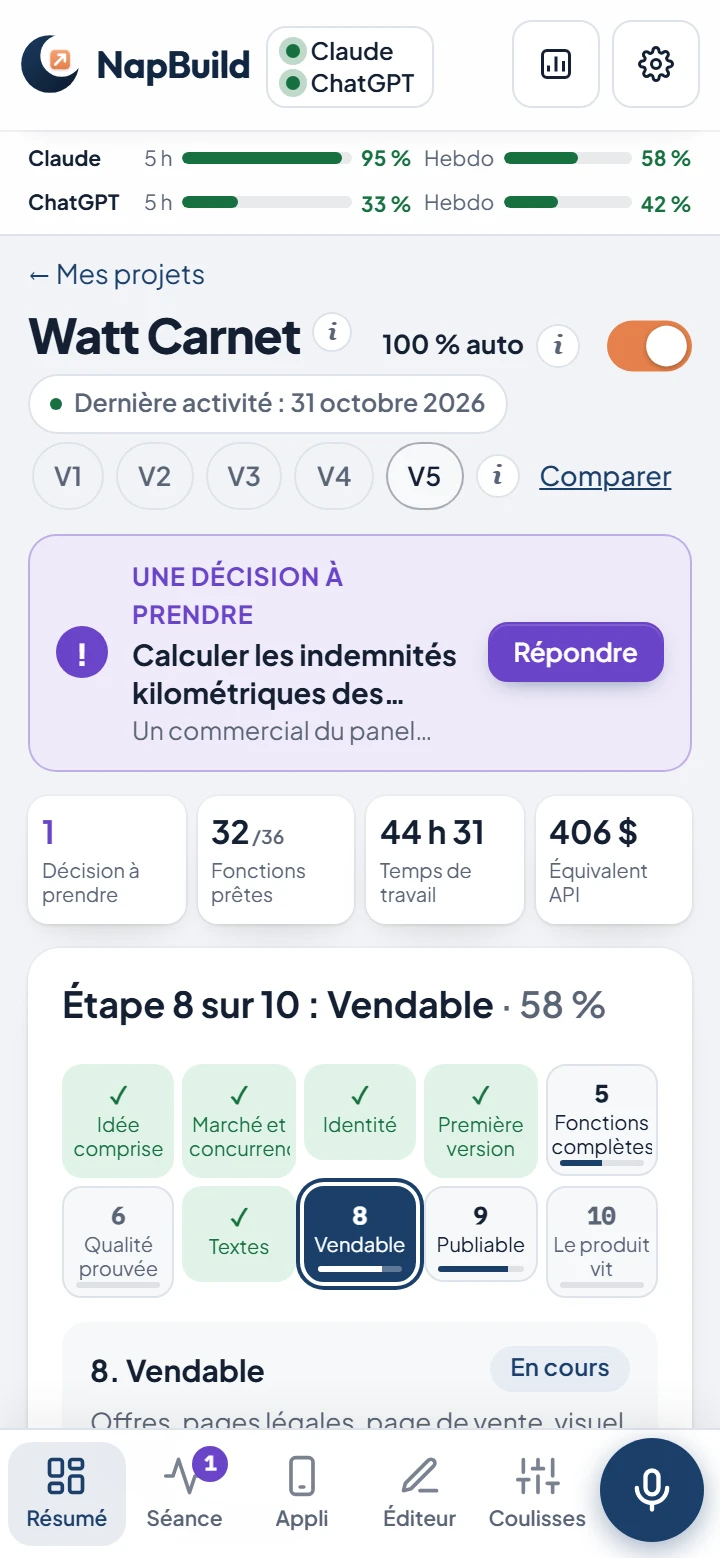
NapBuild builds the app the way you choose when you create the project: a wrapped web app (the default), React Native with Expo, or Kotlin and Swift. It also does the work around the app: market and competitor study, identity, tests with independent judges and simulated users, store listing and visuals, and a showcase website.
Publishing to Google Play and the App Store
Neither tool presses a magic button. Both prepare and send the build, and you finish in the stores’ own consoles. Google and Apple decide whether the app is accepted.
Rork
- App Store: Rork builds the app on its own machines, so you need no Mac or Xcode. You click Publish to App Store, sign in with your Apple account, enter the verification code when Apple asks, then finish the product page in App Store Connect and submit. It also offers TestFlight, a checker that reads Apple’s guidelines against your build, and a screenshot generator.
- Google Play: Rork builds a signed Android App Bundle and can send it to the internal testing track. You must create the app listing in Play Console yourself, because Google’s API cannot do it, and connect your Google account. It lists limits: no custom testing tracks and no rollback.
Anything
- App Store: Anything runs a built-in review check, builds the app and uploads it to App Store Connect, usually in 30 minutes or less. It also has a screenshot generator. You test in TestFlight, fill in App Store Connect (privacy, age rating, pricing, tax forms) and submit. Its docs say initial reviews typically take 1 to 3 business days. They do not say whether a Mac is needed.
- Google Play (beta): Anything builds the bundle and uploads it to internal testing as a draft. You create the app in Play Console with the exact package name Anything gives you, invite Anything’s service account, then complete the listing, data safety form and content rating, and promote the release.
The rule both tools hit
Rork’s docs say Google requires new personal developer accounts to run a closed test with at least 12 testers for 14 days before going to production, and that internal testing does not count. Anything’s Google Play page does not mention it. Plan for it whichever tool you use. We explain the steps in our 10 steps from idea to the stores.
NapBuild
NapBuild prepares the signed Android build, the listing, the visuals and the data safety form, then submits to Google Play if you allowed it. For iPhone, it builds the project, the listing and the visuals in Apple’s sizes. Building and signing happen on a Mac or in the cloud, and submission goes through your Apple Developer account. NapBuild never creates an account on your behalf. Checkout on napbuild.com was not open yet on November 1, 2026: the 48-hour trial and the waitlist are.
Code ownership and export
- Rork: paid users own the generated code. Export goes through GitHub with two-way sync, so you can edit on your computer and import changes back. Android projects export as Android Studio projects.
- Anything: you download the source code as a zip from the Code tab. Direct GitHub sync was listed as coming soon. It does not say which plan is needed to export.
- NapBuild: the project lives on your computer, and the code is yours.
Which one should you choose?
Solo founder with an app idea
If the idea is an iPhone app that must feel Apple-native, start with Rork Pro. If the idea needs accounts, a database and payments on the web as well as the phone, start with Anything Pro. If you already pay for an AI subscription and want the market study, the store listing and the visuals done as well, try NapBuild: you need a Windows or Mac computer that stays on while it works.
Non-developer with a budget
Anything gives you the most in one place for web plus mobile at $19 a month billed yearly. Rork is the choice if your budget stretches to the native iPhone result and you accept that iOS builds eat extra credits. Watch the credits on both, since each one stops building when they run out. NapBuild has no credit meter, but it works within the limits of your own AI subscription.
Freelancer or agency
For a client who wants to take over the code, Rork offers two-way GitHub sync and Swift and Kotlin projects that iOS and Android developers know. Anything offers a zip download of Expo (React Native) code, so the client needs React Native skills. If you want to hand over a store-ready app with listing, visuals and site, NapBuild covers that, on your own AI subscription.
When another option is better
If you only need a prototype on the web in a few minutes, or a web app with a hosted database and no computer to install, Anything or another web builder is simpler than NapBuild. If a team wants to edit React code by hand, Anything’s Expo code or a web-first builder will suit it better than NapBuild. For other tools, see our comparison of AI app builders for iOS and Android.
FAQ
Is Rork better than Anything?
Neither is better in general. Rork is stronger for native iPhone and Android apps, Anything for products that mix web, database and mobile. Pick by what your app needs.
Does Rork use React Native?
Not for new projects. Rork’s docs say it no longer creates Expo (React Native) projects: iPhone apps are Swift, Android apps are Kotlin. Older Expo projects keep working.
Can Anything publish to Google Play?
Yes, in beta. It uploads your Android app to Google Play’s internal testing track as a draft. You create the listing, complete the store requirements and release it yourself.
Do I still have to pay the stores?
Yes. Google Play charges $25 once and the Apple Developer Program $99 a year. No tool pays those for you, and no tool can promise your app will be approved: Google and Apple decide.
What does NapBuild do differently?
It does not include AI credits. It runs on your own AI subscription, and it also prepares the market study, tests, store listing and visuals. See the NapBuild prices and the 48-hour trial.
Take a nap. Build an app. NapBuild researches the market, designs, codes, tests, writes the store listing and ships your app, on your own AI subscription. Try it free for 48 hours.
See how NapBuild worksSources
- Plans and subscriptionsRork (documentation) · read November 1, 2026
- Swift vs React NativeRork (documentation) · read November 1, 2026
- What happened to Expo?Rork (documentation) · read November 1, 2026
- Publish your appRork (documentation) · read November 1, 2026
- Publish to the Apple App StoreRork (documentation) · read November 1, 2026
- Build a native Android appRork (documentation) · read November 1, 2026
- Publish to Google Play Store (AAB file)Rork (documentation) · read November 1, 2026
- Code exportRork (documentation) · read November 1, 2026
- Build credits vs Cloud creditsRork (documentation) · read November 1, 2026
- Subscriptions and pricingAnything (documentation) · read November 1, 2026
- CreditsAnything (documentation) · read November 1, 2026
- Build a mobile appAnything (documentation) · read November 1, 2026
- Submit to App StoreAnything (documentation) · read November 1, 2026
- Submit to Play Store (beta)Anything (documentation) · read November 1, 2026
- ExportAnything (documentation) · read November 1, 2026
- DatabasesAnything (documentation) · read November 1, 2026
Written by NapBuild with help from AI, from the sources above, read on the dates shown. NapBuild is one of the products compared: we are not neutral, so every competitor fact links to its official page.